Researcher
Digs into the topic, collects sources and pulls out the facts, dates and names the story stands on.
Private early access
Vidout researches the topic, writes the script, finds real footage for every scene, cuts it and renders the finished video. You approve the plan before anything is produced.
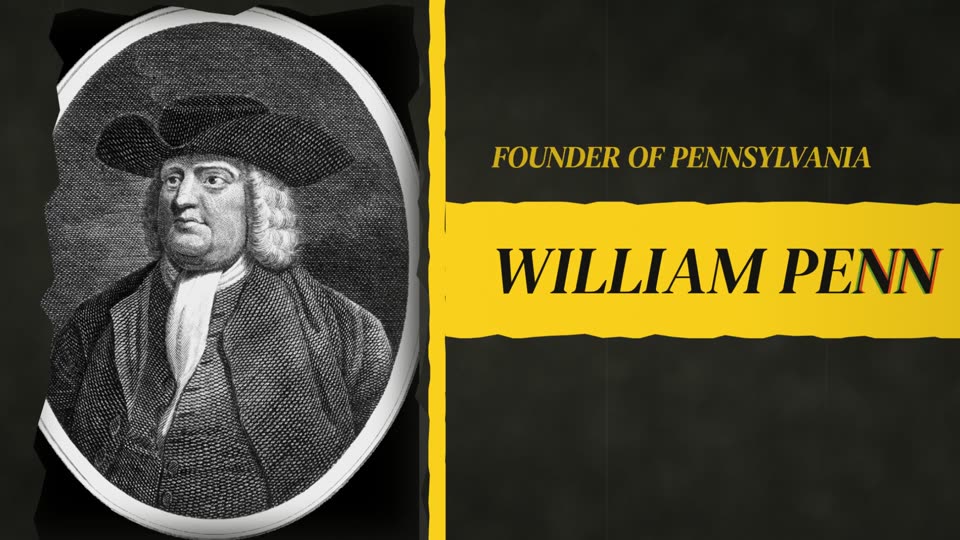
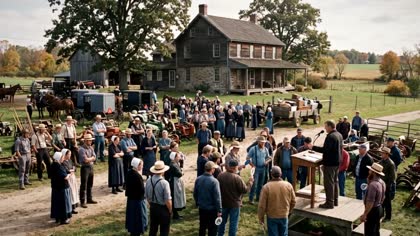
Frames from a video produced with Vidout.
How it works
A paragraph, a full script, raw footage, a voiceover, or all of them. Say what the video is about and how it should feel, in plain language, and Vidout takes it from there.
A documentary on why Amish families are quietly leaving Lancaster County, Pennsylvania. Around 5 minutes, calm narration, a map for every place I mention, and period illustration for the 1700s.
A researcher, a scriptwriter, a motion designer, an editor and a sound designer pick up your brief and work from the same plan, each with the skills and tools of its human counterpart.
Watch the first version. Tell Vidout what to change in plain language: a shorter intro, different b-roll, another track. Or open the timeline and do it yourself, then render when it is right.
“Re-cut the first thirty seconds at a faster pace and pick b-roll that fits.”
The crew
A long-form video is not one job. Vidout splits it the way a production team does and gives each part to a specialist built for it.
Digs into the topic, collects sources and pulls out the facts, dates and names the story stands on.
Writes narration paced for retention, with a hook, chapters and a payoff.
Builds the maps, titles, name cards and on-screen text each scene calls for.
Finds footage for every scene, cuts it to the narration and sets the rhythm.
Adds music and sound effects, and mixes them under the voice.
Before Vidout renders a single frame you see the whole plan: script, footage choices, voice, style and estimated cost. Approve it, adjust it or rewrite the brief.
Use cases
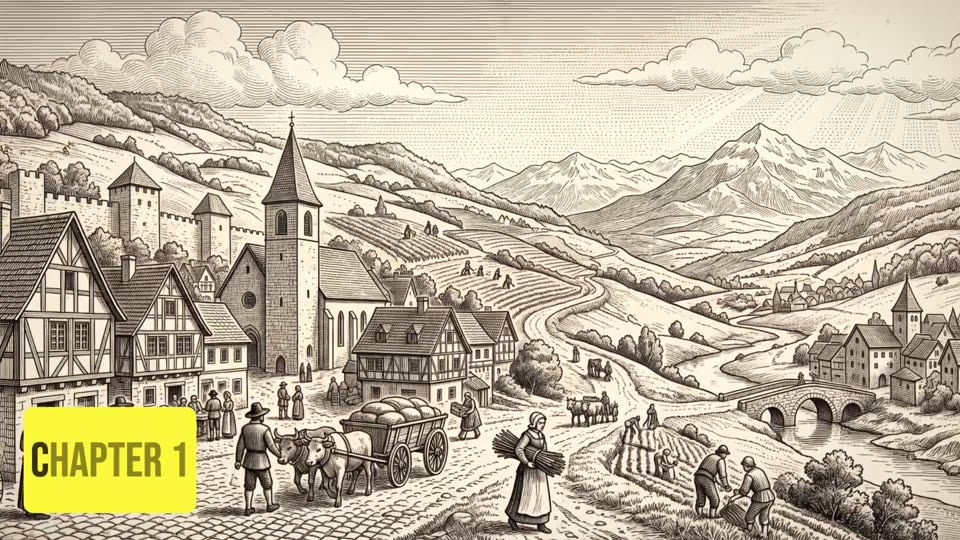
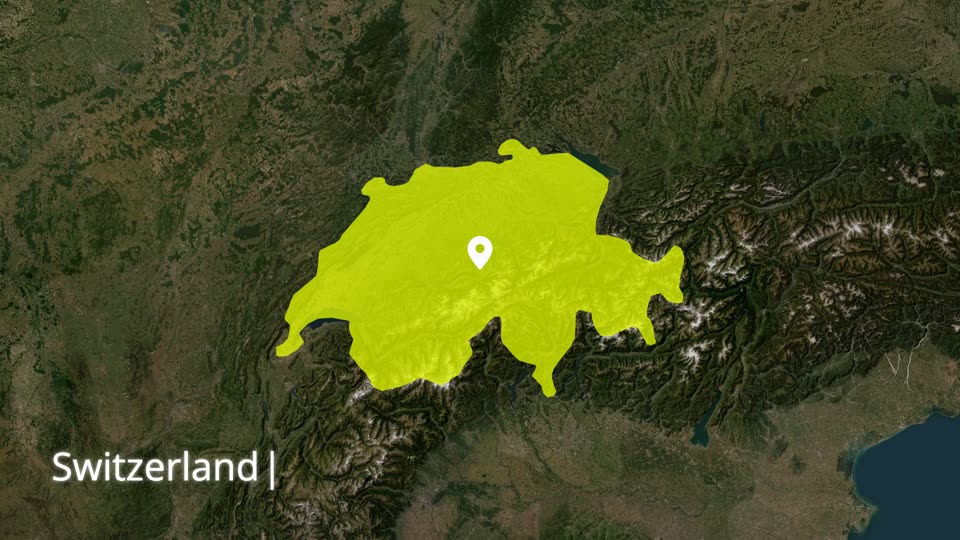
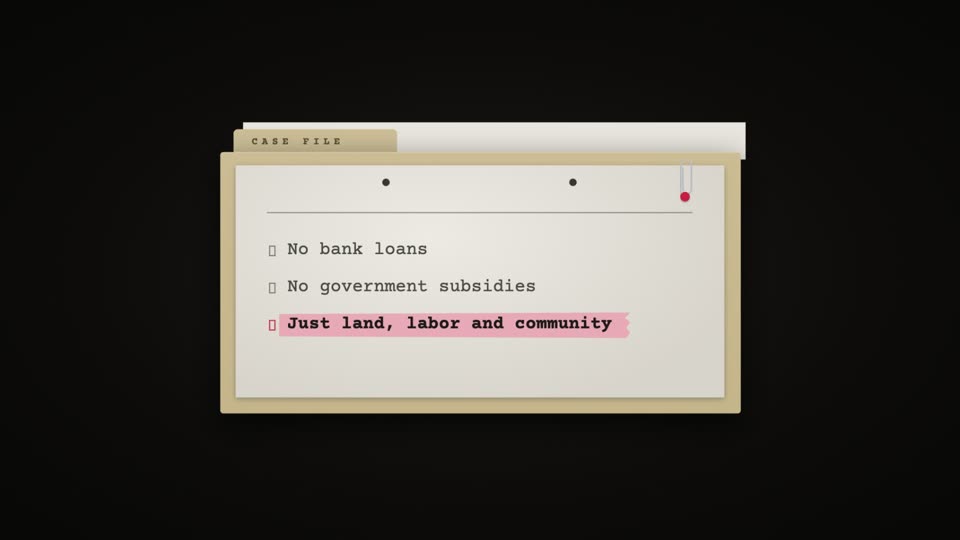
Frames from a video produced with Vidout.
Why Vidout
Generating footage is the easy part. Vidout turns an idea into a finished, publishable video with a workflow built for creators.
Every video gets its own identity: motion graphics, music and sound design shaped around your script, pacing and topic.
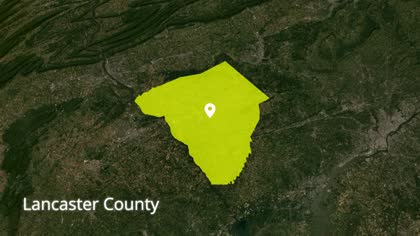 Map
Map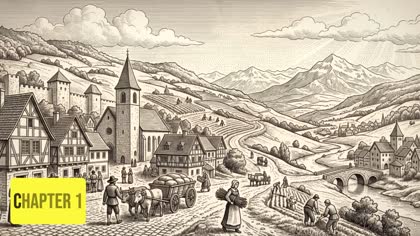 Chapter title
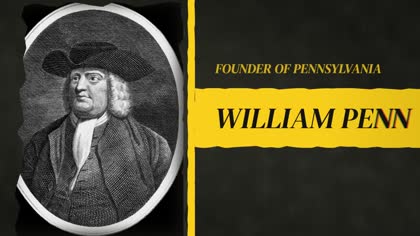 Name card
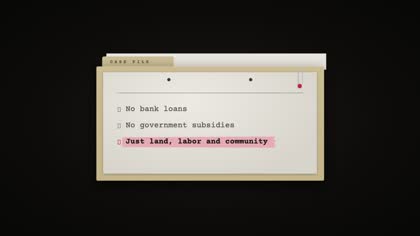 List card
AI when you want it, full control when you need it. Fix one scene and keep everything else.
Point Vidout at your channel and it studies the pacing, type, motion and editing rhythm that make your videos yours.
Vidout uses real footage where it exists and generates illustration for moments no camera recorded.
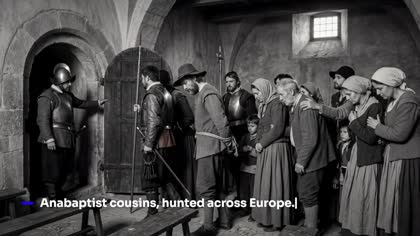 Illustration
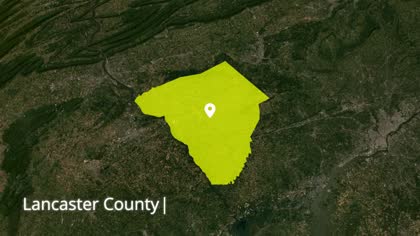 Map
MapAnything you bring is treated as fixed. Vidout plans the rest around it.
Footage
Stay in control of your content. Pick licensed, public-domain or wider web sources, so every video is safe to publish.
Creative Commons and public-domain material: Wikimedia Commons, Internet Archive, open institutional collections.
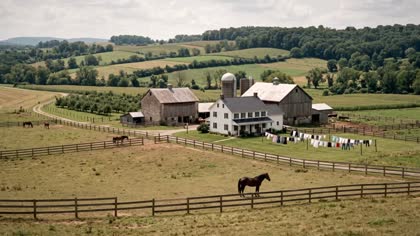
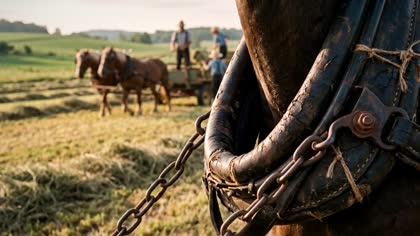
Illustrative interface.
FAQ
Judge for yourself: the frames on this page come from a video made with Vidout. Every video gets researched narration, matched footage, motion graphics and a sound mix, and you review the cut before it is final.
Documentaries, explainers, breakdowns and list videos, across history, science, technology, business, culture and similar subjects.
Vidout is built for long-form: roughly ten to twenty-five minutes. Short clips are not what it is tuned for.
Yes. Anything you bring is treated as fixed, and Vidout plans the rest around it.
Yes. Open the scene in the editor, replace the clip or change the text, and render again without starting over.
Both real footage and generated illustration are used. You choose where footage may come from, and the plan shows the mix before you approve it.
Each plan includes an estimate before you approve it. Public pricing will be published when self-serve access opens.
Email [email protected]. We reply to every message.
Send a line about your channel and the kind of video you want to make. We reply to every request.
[email protected]